
What you need
A projector or big screen
Any classroom projector, interactive whiteboard or large TV. Go fullscreen for the best effect.
Soft balls or bean bags
Foam, sponge or velcro balls work best, and a couple is plenty. Kicking games work with a soft ball too.
Your laptop, or your phone
You tap where each ball lands, on the laptop or from the phone remote in your pocket. Nothing to install.
A little floor space
A clear throwing line a few steps back from the screen, and room for teams to take turns.
Play safe: use soft foam, sponge or velcro balls (or bean bags) only. Never hard balls. For throwing games, project onto a wall or whiteboard rather than aiming at a TV or monitor, and keep a clear throwing line a few steps back. The teacher does all the clicking, so students never touch the device.
The 25 games
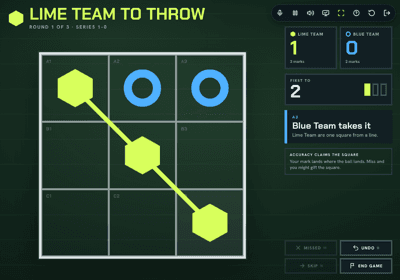
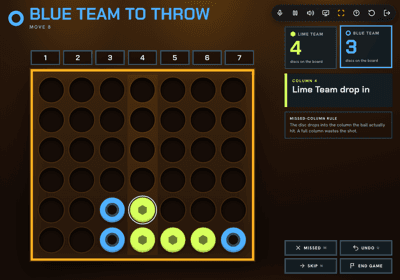
Each one is a self-contained game with its own scoring, sounds and team play. Built to be read from across a hall.
Maths
Darts & archery






Literacy
PE · Sport
Arcade
Aussie


No projector? Grab the Relief Teacher Pack.
A free printable with 10 no-equipment games per year band, made to leave with your cover notes. No login needed.
Get all 25 with ClassBreak.
All 25 come with the 14-day trial, alongside 1,000+ classroom games, live multiplayer Class Play and 122 PD courses. Card needed to start.
14 days free, then AU$3.99/month or AU$39.99/year. Card needed to start, we email you before day 14, cancel any time, full refund within 30 days.